
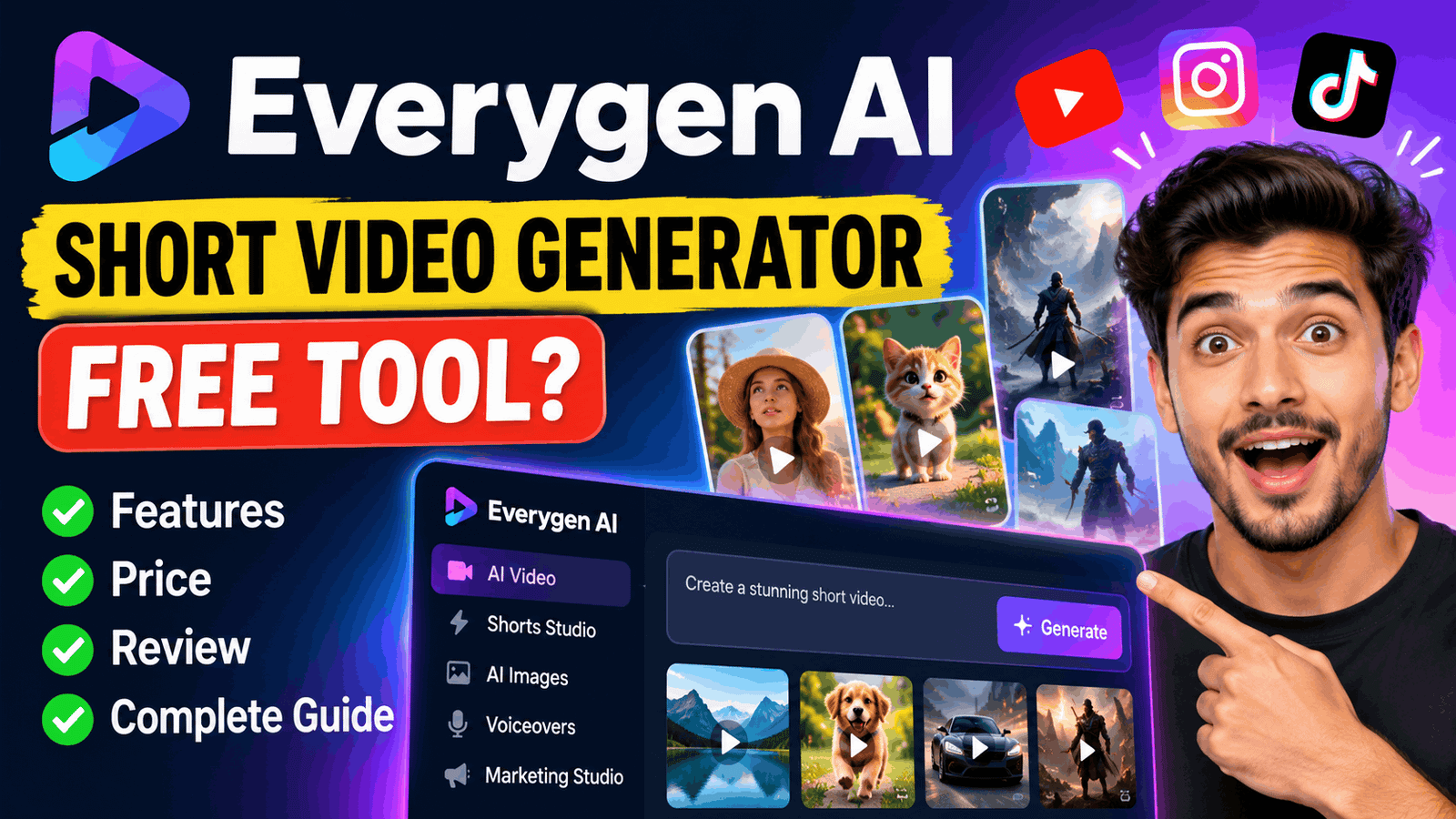
Everygen AI Short Video Generator Free Tool - Price, Review & Complete Guide
Everygen AI Video Generator: Creating short videos for YouTube Shorts, Instagram Reels and TikTok can take more time than expected. You need an idea, a script, visuals, voiceovers, captions and editing. Everygen AI brings several of these tasks into one creative workspace, helping creators produce short-form videos and AI-generated advertisements without recording every scene themselves.
But is Everygen AI free to use? What features does it offer, how does its Shorts Studio work, and is a paid subscription worth the money?
This guide explores Everygen AI's video-generation capabilities, pricing, workflow, advantages, limitations and practical use cases so you can decide whether it fits your content creation needs.
Also Check: Everygen AI Tool
What Is Everygen AI?
Everygen AI is an AI-powered creative platform designed to generate videos, images and other content for social media and marketing. The platform was previously known as Viewmax and has since expanded beyond its original short-video creation focus.
Instead of being limited to a single AI video model, Everygen provides access to multiple generation models and tools within one workspace. Its features are designed for creators who want to turn ideas, text prompts, existing media or product concepts into publishable content.
The platform supports several types of creative work, including:
- AI video generation: Create video clips from text prompts and creative ideas.
- Shorts Studio: Develop short-form videos using established video formats and storytelling workflows.
- AI voiceovers and scripts: Generate narration and supporting scripts for videos.
- Automatic captions: Add subtitles to make videos easier to follow.
- AI image generation: Create visual assets for videos and other creative projects.
- Marketing Studio: Build promotional content and advertising creatives.
- Content repurposing: Rework existing media into a different presentation using supported editing tools.
Everygen AI is particularly relevant to faceless YouTube creators, social media managers, digital marketers and businesses that need a steady supply of short videos.
One important distinction is that the platform provides access to different AI models. The final result depends partly on which model you select, the prompt you write and the type of content you generate.
How Does Everygen AI Video Generator Work?
Everygen AI combines AI generation tools with a workflow for preparing content for publication. You describe what you want, choose an appropriate generation method and refine the output before exporting it.

A typical workflow involves four stages:
- Start with an idea: Decide what you want to create, such as a short story, a product advertisement, an educational clip or a visual scene.
- Choose a creation tool: Use the AI video generator for individual scenes or Shorts Studio for a short-form content workflow.
- Generate and refine the content: Adjust your prompt, select an available model and use supported voiceover, captioning or editing features to improve the result.
- Review and export: Check the finished video for visual mistakes, incorrect narration, caption errors and unsuitable scenes before publishing it.
The main benefit is workflow consolidation. You can handle several production tasks in one place instead of moving between separate tools for every stage.
However, AI generation is not completely automatic in the editorial sense. A video can look impressive while containing inconsistent characters, awkward movements or narration that does not match the visuals. Human review remains essential.
Everygen AI Shorts Studio: What Can You Create?
Shorts Studio is relevant to creators who publish vertical videos regularly. It is designed to help turn an existing short-form format or creative concept into a new video.
Here are some practical ways to use it.
1. Faceless YouTube Shorts
You can develop short educational explainers, fictional stories, interesting facts and visual storytelling content without appearing on camera.
For example, a creator could develop a 30-second video explaining why the sky changes colour during sunset, with supporting visuals, narration and captions.
The script still needs to be fact-checked, particularly for educational or scientific topics.
2. AI Story Videos
Story-based content often requires several scenes, narration and a reasonably consistent visual style. A structured short-video workflow can help organise these elements.
Possible formats include fictional animal adventures, mystery stories, fantasy scenes and short motivational narratives.
For stories with recurring characters, inspect every scene carefully. Image and video models can change a character's appearance between generations.
3. Product Advertisement Videos
Small businesses and e-commerce sellers can use AI visuals to develop promotional concepts without organising a full video shoot.
For instance, a car-accessory seller could create a short advertisement showing a clean vehicle interior, followed by product benefits and a closing call to action.
If the generated scene depicts a product differently from the actual item, replace it with accurate product footage or images. Advertising should not misrepresent what customers will receive.
4. Social Media Content Repurposing
Creators who already have videos may use supported import and editing features to prepare new versions.
This can help adapt content for different platforms, but it does not automatically grant permission to reuse somebody else's footage. Copyright, licensing and platform policies still apply.
Everygen AI Features Worth Knowing
The value of Everygen AI is not just its ability to generate a clip. Its broader collection of tools can help creators manage different parts of the production process.
| Feature | What it is useful for |
| AI video generator | Creating short clips from creative prompts |
| Multiple AI models | Choosing different generation capabilities for a project |
| Shorts Studio | Producing short-form videos using structured workflows |
| AI script and voiceover tools | Preparing narration and spoken content |
| Automatic captions | Adding subtitles to videos |
| AI image generator | Creating images and visual assets |
| Marketing Studio | Developing video advertisements and promotional creatives |
| Media importing | Incorporating supported user-provided or external media |
| Content editing | Refining and repurposing supported video content |
The availability of individual models and advanced features may depend on your subscription.
Multiple Video-Generation Models
Different AI models can produce different visual styles, movement, audio and levels of detail. A model suitable for a cinematic scene might not be the best choice for a realistic product demonstration.
Having multiple models in one workspace gives creators more flexibility. It does not guarantee that every generation will be equally good, however, and more advanced models can consume credits faster.
AI Voiceovers and Captions
Voiceovers and captions are useful when creating videos for viewers who watch without sound or prefer narrated explanations.
Before publishing, check the pronunciation of names, the accuracy of subtitles and whether the narration fits the length of the video. Automated captions can misinterpret technical terms, names and unfamiliar words.
Marketing and Advertising Workflows
Businesses can use the platform to explore different advertising concepts, create promotional clips and develop creative variations.
For performance marketing, treat generated videos as creative assets rather than guaranteed sales solutions. You still need accurate product information, a clear offer and testing to determine which advertisements work with your audience.
Is Everygen AI Free to Use?
Everygen AI does not list a conventional free subscription plan on its published pricing page. Its pricing structure is based on paid subscriptions and credit allowances.
Free registration, if available to an account, should not be confused with unlimited free video generation. The exact trial access and features available to a new account should be checked before starting a project.
Everygen uses credits as its usage currency. Video generation, voiceovers, captions and other operations can consume credits, depending on the feature.
This means the number of videos you can produce is not necessarily fixed. It depends on the model, output settings, length and other generation requirements.
How to Check Whether You Can Use Everygen AI for Free?
- Create an account or sign in.
- Open the available video-generation or Shorts Studio interface.
- Check whether your account receives trial credits or complimentary generations.
- Review the credit cost of your chosen model and output settings.
- Confirm whether downloading the result requires a paid plan.
Do not begin a large batch of generations until you understand the credit cost. A free account that allows limited previews may not be sufficient for a daily publishing schedule.
Everygen AI Pricing - Plans and Costs

The published pricing page displays three main subscription tiers. The following figures are the advertised monthly equivalents when billed annually, rather than the full monthly-billing prices.
| Plan | price per month | Monthly credits | Audience |
| Starter | $9 | 200 | Casual creators |
| Pro | $19 | 500 | Creators publishing regularly |
| Creator | $49 | 1,000 | Creators with higher production needs |
The page also advertises first-month bonus credits of 200, 500 and 1,000 for the respective plans. These are promotional allowances and should not be treated as recurring monthly credits.
The pricing information provides example generation estimates, including approximately 18 Seedance 2 Fast videos on Starter, 38 Seedance 2 videos on Pro and 76 on Creator. These are model-specific estimates, not guarantees for every video model or workflow.
Before subscribing, confirm the current checkout price, billing period, included models and applicable credit costs. Prices and plan features can change.
Which Everygen AI Plan Should You Choose?
- Starter: Consider this if you want to experiment with AI video creation or publish occasionally. It is the lower-cost entry point, but 200 monthly credits may be restrictive for repeated experiments.
- Pro: This is a reasonable starting point for creators who already have a content schedule and want more room to generate and refine videos.
- Creator: Consider this if you need a larger credit allowance, access to the advertised broader model selection and additional media storage. The higher price only makes sense if you will use those resources.
For creators in India, the final cost in rupees may vary with the exchange rate, payment provider and applicable taxes. Check the amount shown at checkout before paying.
How to Create a Video With Everygen AI?
The following workflow is a practical starting point for making a YouTube Short or Instagram Reel.
Step 1: Prepare a Specific Concept
Avoid starting with a vague instruction such as "make a viral video." Decide what the viewer should learn, feel or do after watching.
For example:
"Create a 25-second vertical video explaining three simple ways to keep a car dashboard clean."
Step 2: Write a Detailed Prompt
A useful prompt describes the subject, action, visual style, setting, camera movement and desired format.
Example prompt:
Create a vertical 9:16 social media video showing a clean, modern car interior. Use realistic daylight, smooth camera movements and close-up shots of dashboard cleaning. Keep the product presentation clear and the visual style natural. Leave space for captions and finish with a simple call to action.
If you are advertising a real product, provide accurate reference images where supported rather than relying on AI to invent its appearance.
Step 3: Choose a Suitable Model and Settings
Select an available video model based on the intended result. Check the aspect ratio, resolution, duration and credit cost before generating.
For social media Shorts and Reels, a vertical 9:16 format is generally a suitable starting point.
Step 4: Generate and Inspect the Result
- Look for common AI-video problems:
- Distorted hands, faces or product details.
- Objects changing shape between frames.
- Unnatural motion or inconsistent lighting.
- Text appearing incorrectly inside the video.
- Narration that does not match the scene.
- Captions that are misspelled or poorly timed.
Regenerate only the scenes that need improvement where the workflow allows it. Recreating an entire video unnecessarily can consume additional credits.
Step 5: Export and Prepare for Publication
Review the final video, add any necessary corrections and confirm the export settings. Write a relevant title and description for the target platform.
A useful video is more than a collection of attractive AI-generated scenes. It needs a clear opening, a coherent middle and an ending that delivers on the initial promise.
Everygen AI Prompt Examples for Short Videos
A well-written prompt can reduce unnecessary regeneration. These examples can be adapted to your chosen model and workflow.
1. Educational YouTube Short
"Create a 30-second vertical educational video explaining how solar panels convert sunlight into electricity. Use clear visual demonstrations, simple narration, realistic scenes and readable captions. Start with an interesting question and end with one memorable takeaway."
2. Faceless Animal Story
"Create a short animated story about a small fox that gets lost in a forest and finds its way home. Use a consistent orange fox character, cinematic forest lighting, expressive movements and a heartwarming ending. Maintain the same character design throughout the scenes."
3. E-commerce Advertisement
"Create a 20-second vertical advertisement for a car seat organiser. Show the problem of loose items inside a car, introduce the organiser and demonstrate its storage benefits. Use clean lighting, close-up product shots and space for captions. Do not invent product features."
These prompts are starting points, not guaranteed recipes. Adjust them based on the output and the controls available in your selected model.
Also Check: Snapgen AI Generator
Pros and Cons of Everygen AI
Advantages
- Combines several creative tools in one workspace.
- Offers different AI models for different visual requirements.
- Includes features for short videos, advertisements and content repurposing.
- Script, voiceover and caption tools can simplify production.
- Supports creators who want to produce content without filming every scene.
- The platform advertises video monetisation without restrictions in its FAQ, subject to applicable rights and other relevant terms.
Disadvantages
- No conventional free subscription plan is displayed on the published pricing page.
- Credit consumption can make production costs difficult to estimate before learning the workflow.
- AI-generated motion, character consistency and product accuracy can be imperfect.
- Some features and models may require higher-tier subscriptions.
- Generations may need several revisions before they are publication-ready.
- Access to multiple models does not guarantee consistent quality across every task.
Best Alternatives to Everygen AI
The right alternative depends on whether your priority is quick social media editing, text-to-video generation or more advanced cinematic creation.
- CapCut: CapCut is a useful choice for creators who need timeline editing, transitions, captions and finishing tools for social media videos. Check the availability of individual features in your region.
- Canva: Canva is suitable for template-driven promotional videos, branded content, presentations and simple social media creatives.
- InVideo AI: InVideo AI is worth considering when your workflow starts with a script or text prompt and you want assistance assembling a complete video.
- Runway: Runway is an option to explore for AI-generated visual sequences and more advanced creative video workflows.
These tools are not direct substitutes in every respect. Compare their current plans, output limits, editing features and licensing conditions before choosing one.
Common Problems and Practical Tips
Why Are My Everygen AI Videos Using Credits So Quickly?
Different models and settings can have different credit costs. Longer clips, higher resolutions and repeated generations may consume more of your allowance.
What to do: Check the estimated cost before each generation, test a short clip first and refine your prompt before requesting another version.
Why Do AI-Generated Characters Look Different in Each Scene?
Video models do not always preserve a character's exact appearance across separate generations.
What to do: Reuse reference images where supported, describe the character consistently and review continuity before assembling the final video.
Can I Use Everygen AI Videos for Commercial Purposes?
Everygen's published FAQ states that videos made using the platform can be monetised without restrictions. However, this should not be interpreted as permission to use any third-party footage, music, trademarks or likenesses without the necessary rights.
Review the current licence and terms, especially if you are producing paid advertisements or content for clients.
Is Everygen AI Suitable for Daily YouTube Shorts?
It can be a useful option if its workflow fits your content format and your available credits cover the necessary generations. Test a complete video first, including narration, editing and export, before committing to a daily schedule.
Frequently Asked Questions
1. What Is Everygen AI Used For?
Everygen AI is used to create AI-generated videos and images, prepare short-form social media content, develop advertising creatives and assist with scripts, voiceovers and captions.
2. Is Everygen AI Completely Free?
The published pricing page does not display a conventional free subscription plan. Check the account registration flow for any trial access or complimentary credits before paying.
3. Does Everygen AI Support YouTube Shorts?
Yes. The platform promotes short-form video creation, including AI story videos and workflows intended for YouTube Shorts. You should still review the final video's dimensions and export settings.
4. Can Beginners Use Everygen AI?
Yes. Its combined creative tools can make it easier to start producing videos without mastering several separate applications. Beginners should learn the credit system and practise with short clips before starting larger projects.
5. Can I Monetise Videos Created With Everygen AI?
The platform's published FAQ says that its generated videos can be monetised without restrictions. You must still respect copyright, third-party licensing, advertising rules and the monetisation policies of the platform where you publish.
6. How Much Does Everygen AI Cost?
Its published annual-billing equivalents list Starter at $9 per month, Pro at $19 per month and Creator at $49 per month. Confirm the current full billing amount and plan details at checkout.
7. Does Everygen AI Generate Videos With Sound?
The platform advertises AI voiceover and script tools, and its available video models may offer different audio capabilities. Check the selected model's supported features because sound generation is not necessarily available in every workflow.
8. Is Everygen AI Better Than CapCut or InVideo AI?
That depends on your needs. Everygen AI combines multiple generation tools and short-video workflows, while CapCut is useful for editing and InVideo AI is oriented towards prompt-driven video creation. Compare the same sample project in each tool before deciding.
Final Words
Everygen AI is worth considering if you want to create YouTube Shorts, faceless stories, promotional videos or social media advertisements using a collection of AI creative tools in one workspace. Its combination of video generation, Shorts Studio, scripts, voiceovers and captions can reduce the number of separate applications required for production.
Its biggest consideration is cost. The published plans use monthly credits, and repeated generations can quickly affect how much content you can produce. AI-generated footage also needs editorial review before publication.
For beginners, the sensible approach is to start with a small project, check the credit cost and evaluate the finished export before purchasing a subscription. For experienced creators, the platform may be valuable if its model selection and workflow genuinely save production time.
The key takeaway: Choose Everygen AI for the workflow it offers, not simply because it uses AI. The best tool is the one that consistently helps you produce accurate, engaging videos within your budget.
Karthikeyan Selvaraj
Founder & Chief EditorKarthikeyan Selvaraj is the Founder and Chief Editor of FoxAITools. With over 8+ years of tech and software engineering experience, he personally tests, evaluates, and reviews cutting-edge AI software, SaaS tools, and machine learning models.
View Full Author Profile & Published Articles →